

Part 1 of the “Building Enterprise Authentication with Descope” series
Authentication is one of those features every application needs, yet it’s often underestimated. On the surface, it seems simple: ask users for a username and password, verify their credentials, and let them in. But as applications grow and user expectations evolve, authentication quickly becomes one of the most complex parts of a software system.
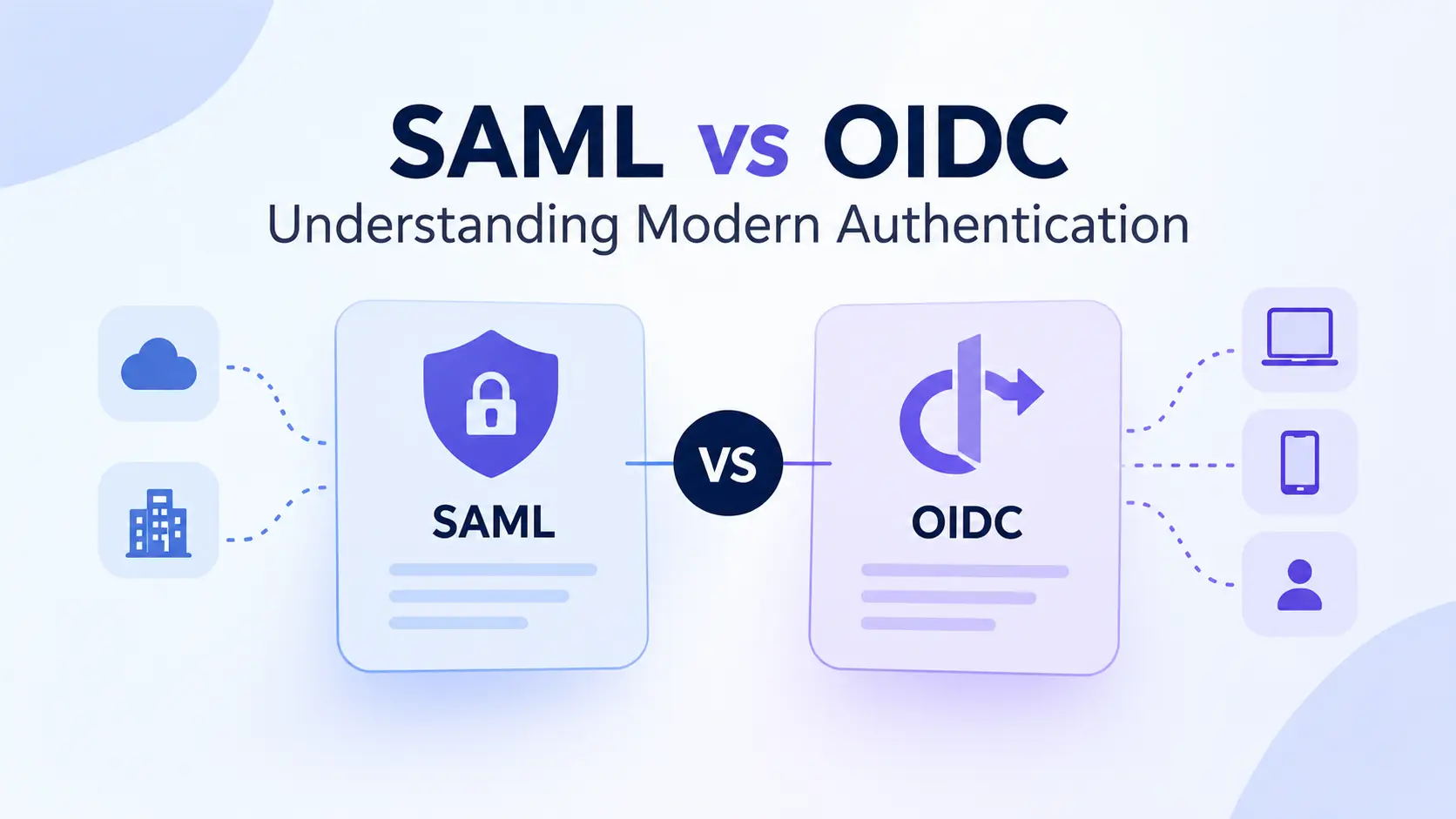
Today’s users expect to sign in with Google, Microsoft, or GitHub. Enterprise customers want Single Sign-On (SSO) with their corporate identity providers. Security teams require Multi-Factor Authentication (MFA), passwordless login, session management, audit logs, and compliance with standards like SAML and OpenID Connect (OIDC). Suddenly, what started as a simple login page turns into a significant engineering effort.
This is where modern identity platforms like Descope come in. Instead of building and maintaining authentication infrastructure yourself, Descope provides the tools to implement secure, enterprise-grade authentication with minimal custom code.
In this first article of the series, we’ll explore the fundamentals of SSO, understand how modern authentication works, and build a simple authentication flow using Descope. Later parts of this series will cover migrating existing users and implementing production-ready authentication architectures.
Why Authentication Is More Than Just a Login Form
Many developers begin their authentication journey by creating a Users table with columns like Email and PasswordHash. It works perfectly for an MVP, but it doesn’t take long before additional requirements begin to surface.
Your product manager wants users to sign in with Google. A customer asks whether the application supports Microsoft Entra ID. Another customer requires SAML-based SSO. Security teams request MFA, while compliance teams ask for audit logs and centralized access control. Before you know it, you’re implementing OAuth flows, JWT validation, password reset mechanisms, session handling, email verification, account recovery, and role management.
Authentication isn’t difficult because validating a password is hard. It’s difficult because identity management involves security, usability, compliance, and interoperability — all at the same time.
This is why many organizations choose dedicated identity platforms instead of building everything in-house.
What Is Single Sign-On (SSO)?
Single Sign-On (SSO) allows users to authenticate once with a trusted Identity Provider (IdP) and access multiple applications without signing in repeatedly.
Think about your workplace. You log in to your company account in the morning and can immediately access email, project management tools, documentation platforms, HR systems, and internal applications. You aren’t entering your password for each application because authentication has already been handled by your organization’s identity provider.
The authentication flow typically looks like this:
User
   │
   ▼
Application
   │
   ▼
Redirect to Identity Provider
   │
   ▼
User Authenticates
   │
   ▼
Identity Provider Issues Token
   │
   ▼
Application Validates Token
   │
   ▼
User Gains Access
In this model, the application no longer stores or validates passwords. Instead, it trusts the identity provider to authenticate users securely.
Some common identity providers include:
- Microsoft Entra ID
- Okta
- Google Workspace
- Ping Identity
- OneLogin
- Auth0
This separation of responsibilities significantly improves both security and user experience.
Traditional Authentication vs. SSO
To understand why SSO has become the industry standard, it’s useful to compare it with traditional authentication.
Traditional Authentication
In a traditional setup, your application is responsible for everything:
- Storing password hashes
- Verifying passwords
- Managing user sessions
- Implementing password resets
- Supporting MFA
- Securing authentication endpoints
While this gives you complete control, it also means you’re responsible for maintaining and securing every aspect of authentication.
Single Sign-On
With SSO, the responsibilities shift.
Your application delegates authentication to a trusted identity provider. Instead of handling passwords directly, it receives a signed identity token confirming that the user has already been authenticated.
This approach offers several benefits:
- Users remember fewer passwords.
- Organizations can enforce centralized security policies.
- Applications become simpler to maintain.
- Security improves because passwords are managed by specialized identity systems.
Enter Descope
Descope is a Customer Identity and Access Management (CIAM) platform designed to simplify authentication for developers without sacrificing flexibility.
Rather than requiring developers to build authentication from scratch, Descope provides configurable authentication flows, SDKs, APIs, and a visual workflow builder that handles much of the complexity.
Some of the authentication methods supported by Descope include:
- Email and Password
- Passwordless Authentication
- Magic Links
- Passkeys (WebAuthn)
- Social Login
- Multi-Factor Authentication
- Enterprise SSO using SAML and OIDC
- Role-Based Access Control (RBAC)
One of the platform’s strengths is that all these authentication methods can coexist within the same application, allowing organizations to support both enterprise customers and individual users without maintaining separate authentication systems.
Building Your First Authentication Flow
One of the easiest ways to understand Descope is by creating a simple login flow.
Imagine you’re building a project management application.
You want users to:
- Enter their email address.
- Receive a One-Time Password (OTP).
- Verify the OTP.
- Access the dashboard.
Visually, the flow looks like this:
Login Page
     │
     ▼
Enter Email
     │
     ▼
Receive OTP
     │
     ▼
Verify OTP
     │
     ▼
Dashboard
Instead of writing backend APIs for generating OTPs, sending emails, validating codes, handling retries, managing sessions, and issuing tokens, Descope allows you to configure this flow using its visual Flow Builder.
Once the flow is published, integrating it into your application typically involves embedding the Descope authentication component and handling the successful login callback.
The result is a secure authentication experience without having to implement the underlying security mechanisms yourself.
What Happens Behind the Scenes?
Although the user only sees a login screen, several important processes occur behind the scenes after successful authentication.
Identity Verification
Descope verifies the user’s credentials according to the configured authentication method, whether that’s an OTP, passkey, social login, or enterprise identity provider.
Token Generation
After successful authentication, Descope generates secure tokens — typically JSON Web Tokens (JWTs) — that contain information about the authenticated user.
These tokens may include:
- User ID
- Roles
- Organization
- Authentication timestamp
Session Creation
Descope establishes a secure user session so the user doesn’t need to authenticate on every request.
Depending on your application’s architecture, sessions may be managed using secure cookies or access and refresh tokens.
Authorization
Authentication answers the question, “Who are you?”
Authorization answers the question, “What are you allowed to do?”
Your application can use the claims contained within the authentication token to determine which features or resources the user can access.
Why This Matters
Authentication isn’t just about getting users into an application anymore. It’s about providing a secure, frictionless experience that works for individuals, startups, and enterprise organizations alike.
Building all of these capabilities internally requires significant engineering effort and ongoing maintenance. Platforms like Descope reduce that complexity by providing modern authentication primitives while allowing developers to focus on building their core product.
Whether you’re supporting passwordless login for consumers or enterprise SSO for Fortune 500 customers, the underlying identity infrastructure should be reliable, secure, and easy to evolve.
What’s Next?
Building authentication for a brand-new application is relatively straightforward.
The real challenge begins when your application already has thousands — or even millions — of users.
How do you migrate existing user accounts without forcing everyone to reset their passwords? How do you preserve encrypted password hashes? What about users who already authenticate through Google, Microsoft, or another identity provider?
In Part 2 of this series, we’ll explore real-world migration strategies for moving existing users, password hashes, and federated identities into Descope with minimal disruption, covering approaches such as bulk imports, lazy migration, and enterprise SSO onboarding.